guide
Install easier than it looks

check first
One-click install
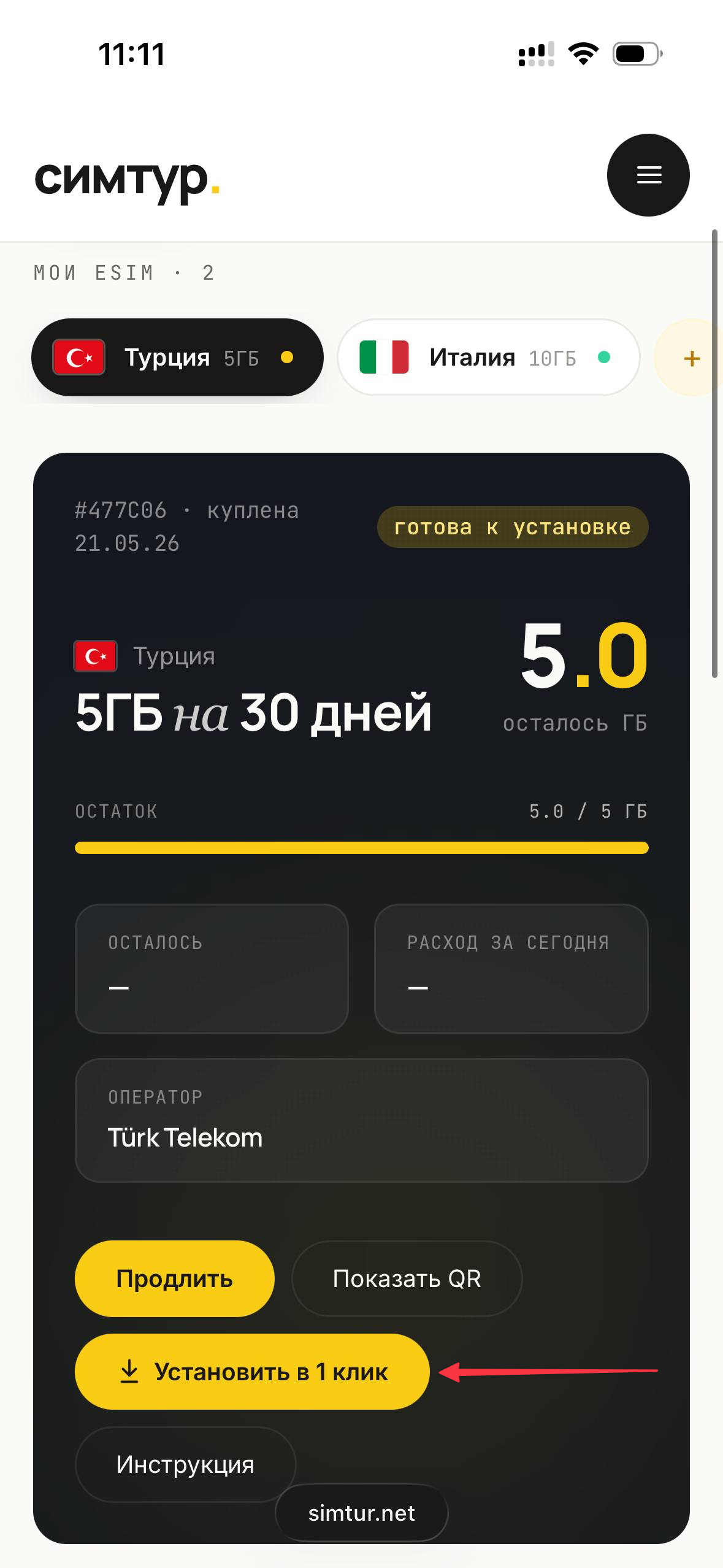
- 1Open your eSIM in the «симтур.» dashboard and check if there is an «Install in 1 tap» button.
- 2If the button is there — tap it, and the system will install the eSIM automatically. You can stop here.
- 3If there is no such button — come back and follow the manual steps below.
The one-click button works on iOS 17.4+ and most recent Android devices. Older systems simply don't show it — that's expected.
We can help— open .